Best of
Best personal CRM for solopreneurs in 2026
Five tools we'd recommend to a friend who runs their work alone, ranked by what we'd actually pick.

Most CRMs are built for sales teams. They have pipelines, deal stages, and forecast dashboards. A solopreneur doesn't need any of that. What you need is a place to keep track of the humans in your work life - clients past and present, collaborators, suppliers, the friend who introduced you to the client. That's a personal CRM.
We picked these tools based on what real solopreneurs we know actually use. None of them needs a sales team to make sense; all of them work for a one-person operation. We list ourselves first because we genuinely believe we'd be the right pick for most readers - and we'll explain exactly when we're not. Full disclosure: we make Contact Book, so read pick one with that in mind; the other entries are the tools we'd send you to instead, in good conscience.
How we ranked: we weighted five things - does it actually get used (capture friction), follow-up + reminder workflow, honest price/value, where your data lives, and whether you can export it. We left out sales-shaped CRMs (HubSpot, Pipedrive, Salesforce) and plain note apps with no contact concept. If you're still working out what a personal CRM even is, start there first.
The picks
Tools we'd recommend for solopreneurs looking at personal CRM.
A personal CRM with conversations, gifts, life events, and pets.
We built Contact Book because the existing options were either spreadsheets in disguise (Notion, Airtable) or sales tools wearing a different hat. The result is a focused product: every contact has a conversation log, a notes thread, gifts given and received, life events, family relationships, pets, and a stay-in-touch cadence. Hosted in Germany under German law.
Strengths
Trade-offs
Best for
Anyone who'd rather pick the calmer, simpler option and pay for hosting they don't have to maintain.
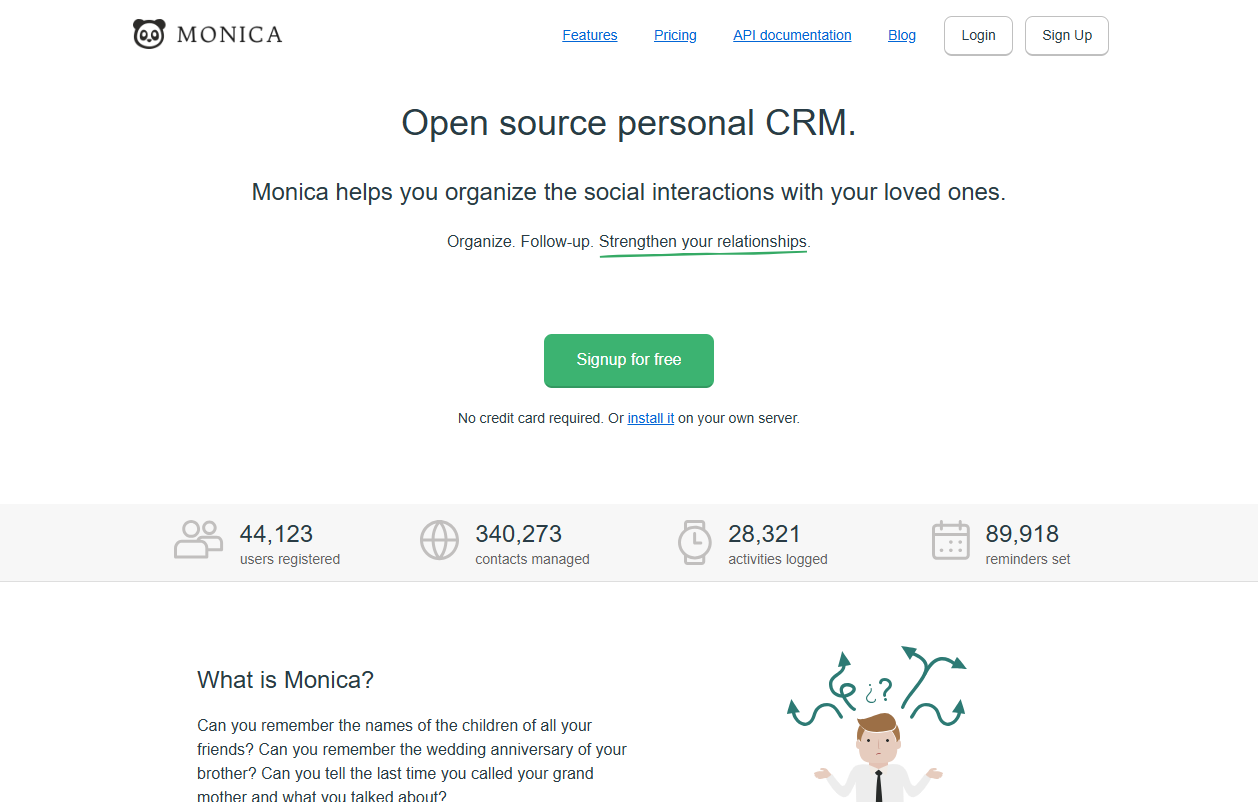
Monica is the elder of this category. Years of community contribution have given it a wide feature surface - kids, partners, debts owed, gifts, journaling, more. Self-hostable, also offered as a hosted plan from a small team in France.
Strengths
Trade-offs
Best for
People who want to self-host, fork, or simply prefer Monica's journal-style density.
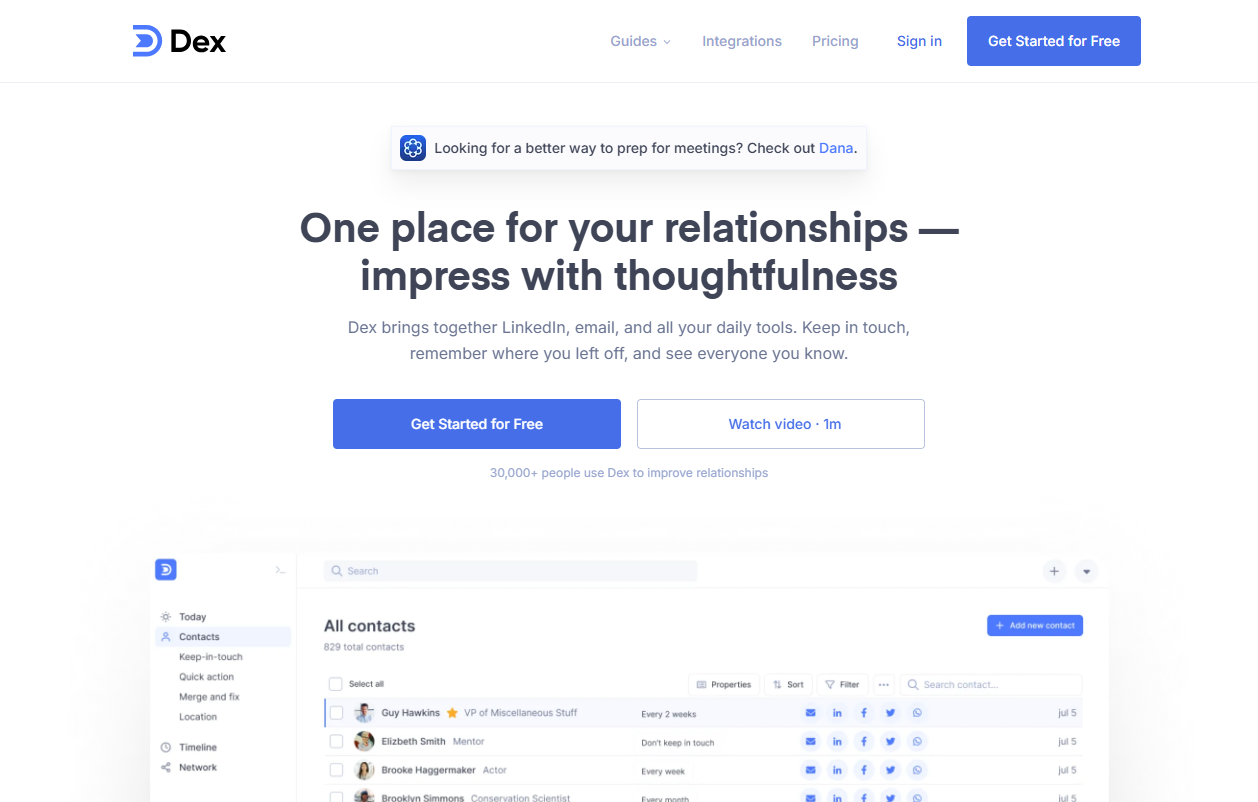
Dex's core idea is keep-in-touch reminders, dressed up with LinkedIn integration and a sleek mobile app. If your day-to-day is networking-heavy and you live in LinkedIn, Dex's flow feels purpose-built for you.
Strengths
Trade-offs
Best for
Networkers who treat LinkedIn as the source of truth.
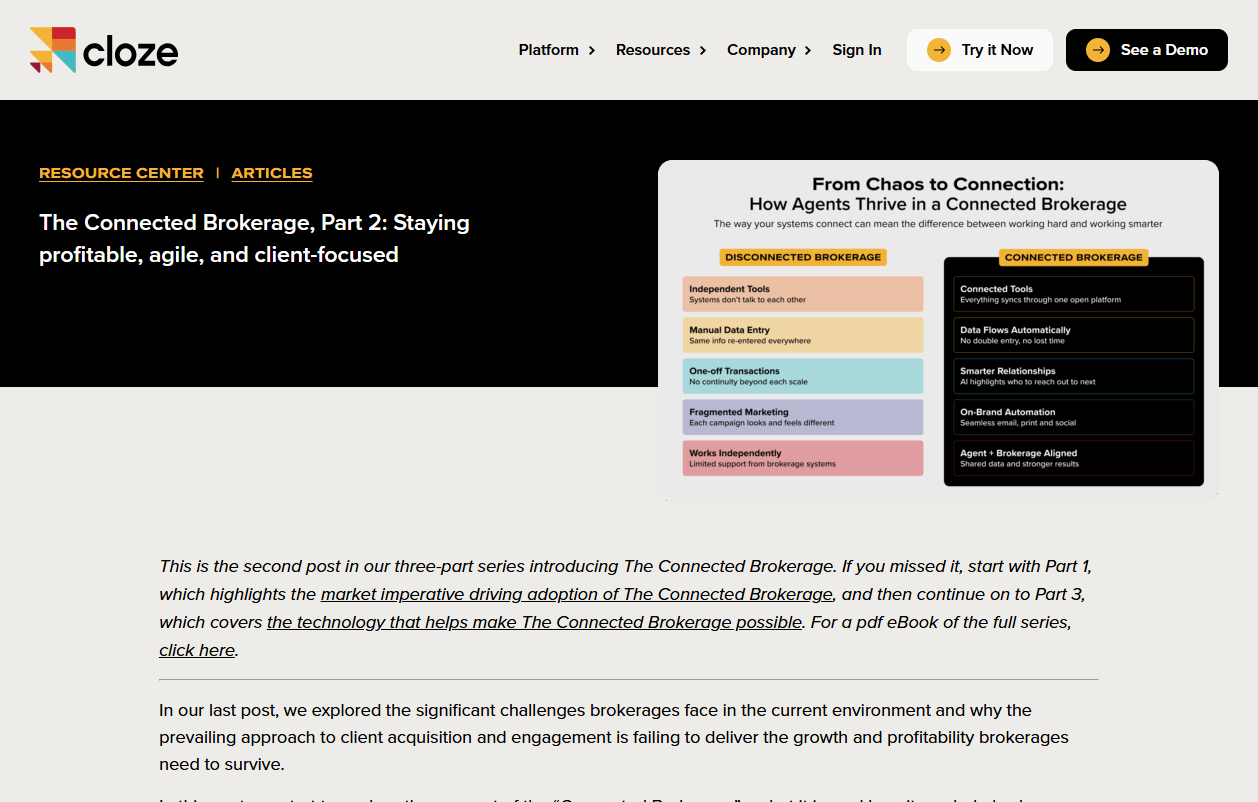
Cloze sits in your inbox + calendar and surfaces contacts you should follow up with based on activity. Powerful when you trust the ingest, polarising when you don't.
Strengths
Trade-offs
Best for
People whose work happens in their inbox and want a tool that watches it for them.
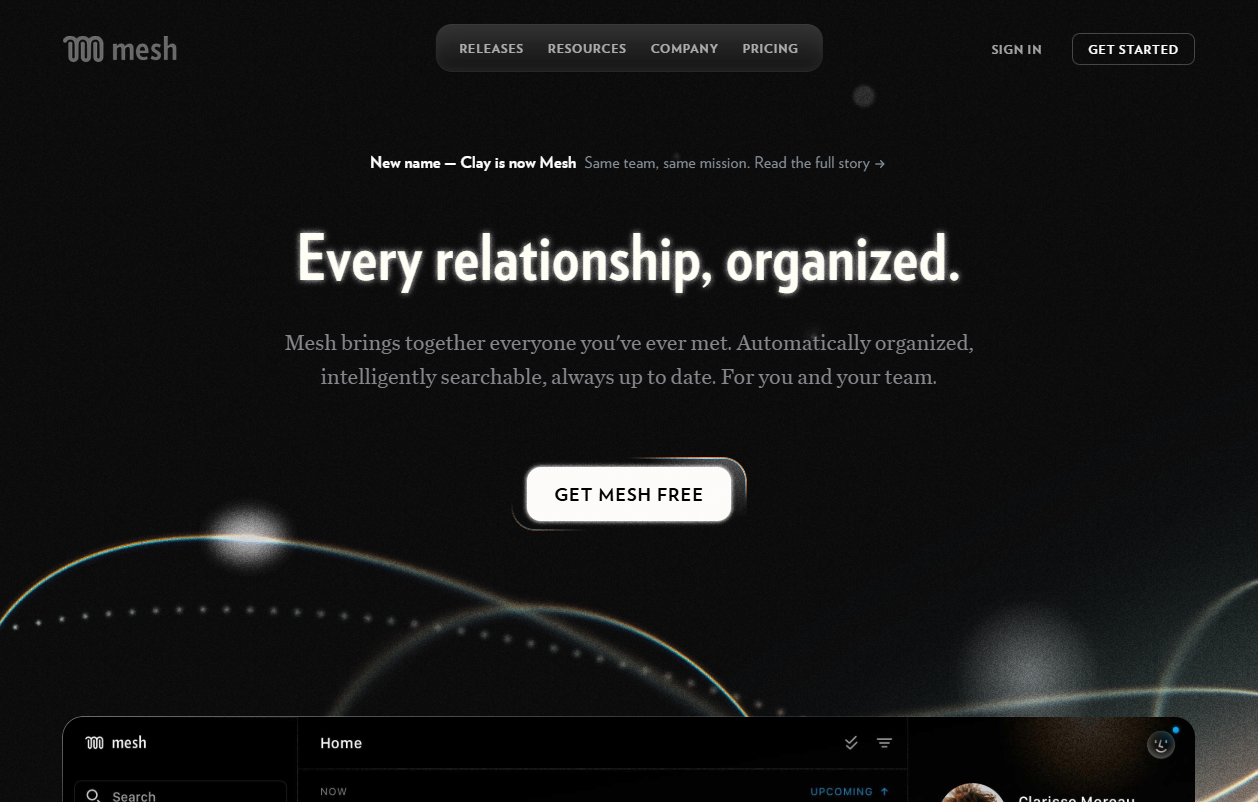
One disambiguation first, because the web confuses these constantly: the Clay we mean is the beautiful personal-relationship app (clay.earth, roughly $10-20/mo), not the $149+/mo sales-data platform clay.com. The personal one auto-enriches contacts, flags job changes, and looks gorgeous. If aesthetics and automatic background updates are what pull you back into a tool, Clay is the one to try.
Strengths
Trade-offs
Best for
People who'll only stick with a CRM if it's beautiful and updates itself.
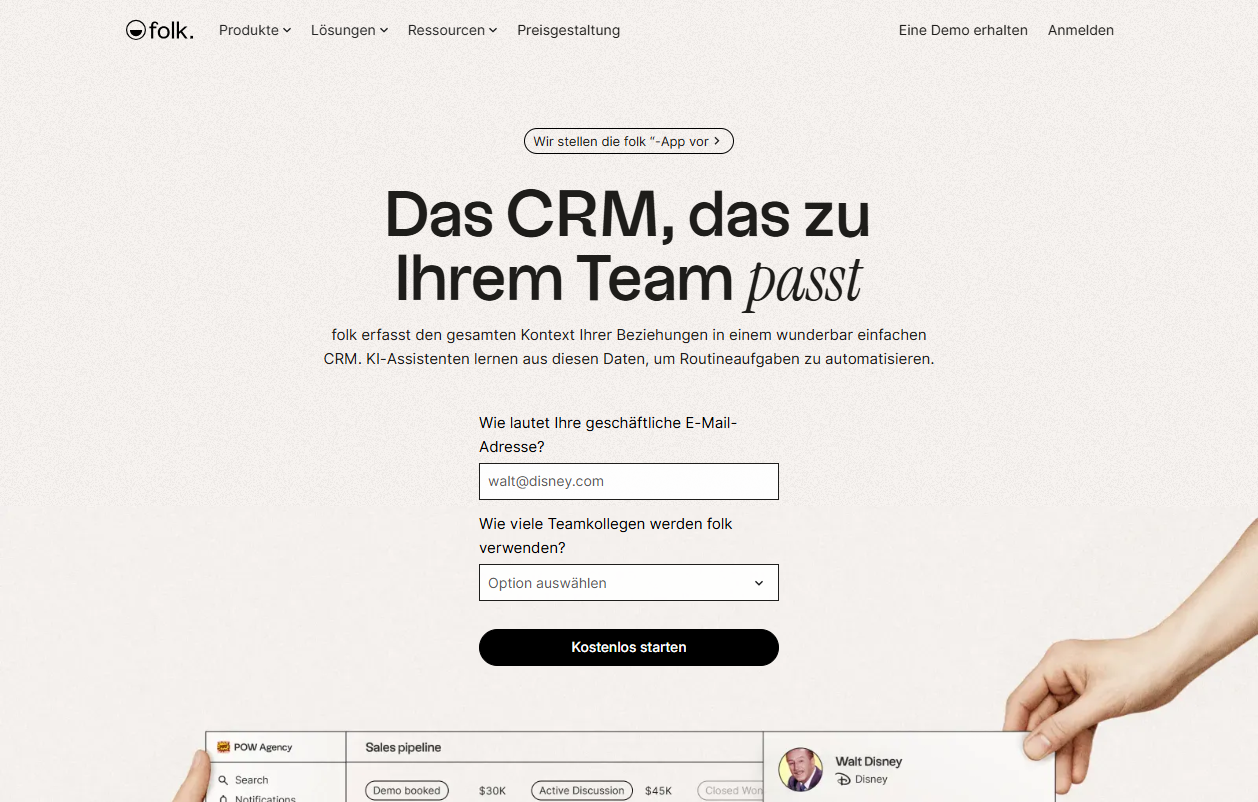
Folk sits one notch toward "team" - it has a light pipeline, shared contact lists, and a polished UI that founders and small agencies like. At roughly $19-25/user a month it's pricier than the personal-only tools, and the value only shows once you're collaborating. For a true solo operator it can be slightly more machine than you need.
Strengths
Trade-offs
Best for
Solo operators who expect to become a tiny team and want a CRM that won't need replacing.
If you live inside Notion, a CRM template is twenty minutes of work and free. It works for the first month and the first thirty contacts. After that the cracks show - reminders are flaky, custom fields proliferate, and the page gets slow.
Strengths
Trade-offs
Best for
Notion power users with under ~30 contacts who like building their own systems.
How we picked
We left out tools that aren't actually personal CRMs even if they market themselves that way - HubSpot, Pipedrive, Salesforce. They're built for sales teams; the friction-fit for one person is bad. We also left out plain note-taking apps like Apple Notes that don't have a contact concept.
We did include ourselves first because the entire reason this list exists is that we built Contact Book in this niche. We tried to be honest about where the alternatives win - if you read this carefully, you'll find at least three concrete reasons to pick something else. That's intentional.
On weighting: a personal CRM is only worth anything if you keep using it, so capture friction and follow-up workflow carry the most weight, then price/value, then where the data lives and how easily it exports. AI enrichment we treat as a nice-to-have, not a deciding factor - it's the axis most likely to be a privacy trade. That's why our top pick favours a calm, fast surface over a clever one.
If price or networking is the deciding factor
Two narrower cuts of this question have their own pages. If budget is the whole story, almost every tool here has a free or near-free entry point - we lined them up honestly in the best free personal CRMs, including which free tiers are genuinely usable and which are demos. If your work is mostly meeting people - founders, BD, recruiting - the picks reshuffle toward reminder-and-import strength, which is the subject of using a personal CRM for networking.
Try Contact Book
Free plan, no credit card. We host in Germany. You can export and delete everything self-serve.
Written by
Julia Yukovich
Co-Founder + CEO
Julia is one of the Co-Founders. She handles design, development, product direction, and most of the support replies that arrive in the morning.
Read next
Best personal CRM for relationship-builders
For people whose calendar is mostly other people - networkers, hosts, founders, mentors.
Read
Contact Book vs Google Contacts: which one keeps relationships warm?
A directory vs a relationship log: where each one shines and where they don't.
Read
How to actually keep in touch with everyone you care about
A repeatable system - five minutes a week, no willpower, lasts for years.
Read